
8 Screen-Free Activities for the Holidays

Author: Trend Micro
This article is from Trend Micro.
Christmas is fast approaching. Plans are being made, last-minute gifts and turkeys being hunted down — and family invites being sent out (albeit with an eye on the latest Omicron update!). At the same time, parents might be wondering how to encourage a little less screen time during this festive period.
The holiday season brings families and friends together to share gifts, time, and life updates with one another. But given the realities of modern life — particularly during the pandemic — this “sharing” is increasingly done remotely, through video calls and across various social media platforms. At a time of sky-high internet and social media use among children and teens, it can be hard to find the right balance.
That’s why, here at Trend Micro, we thought we’d put together a little list of suggestions for screen-free activities.
Our Picks
1. Play Some Games
Get some games on the go! We’ve got the classics like Monopoly, child-friendly Scrabble, chess/checkers, team-based Risk, but you could also try a bespoke trivia game — one where the questions are about your family! Funny memories & anecdotes, anniversaries, middle/maiden names, old addresses: the list is endless. . . Not only can you not Google the answers, but all family members (young & old) can contribute questions.
2. Reading Circle
Why not instigate a little nightly reading group. You can sit around a candle-lit living room, or in the parents’ bed and take turns reading to each other. The Hobbit is a classic, not to mention Roald Dahl.
3. Indoor Camping
Everyone loves a cozy camp — none more so than the kids. If you can’t pitch a tent in your backyard, then set up camp in your living room. How about making a campfire out of rolled-up paper logs and tissue paper flames? Of course, you can’t beat a real fireplace! Spend the evening telling tales while munching on oven-cooked marshmallows.
4. Scavenger Hunt
Help your kids forget all about Insta or Snapchat by commencing a grand hunt around the home, garden, or further afield if you have the option.
5. Build a Family Fort
Design and build a fort for the family: get all the family involved in the work! With pillows, blankets, sofa cushions, and a few items of furniture, you should have plenty to create a cozy keep. Once construction is complete, fill it up with games, snacks, and sleeping bags. Your kids won’t want to leave it. . . Even with the no-phones rule.
6. Do Some Stargazing
Dress up nice & warm, then find a good location to throw down some sleeping bags and watch the night sky drift by. If you have one, a telescope is the best — but “eyeball” astronomy and a pair of binoculars are just as much fun. Take the time to learn some constellations with your kids! If you’re able, you could even make a little campfire!
7. Get Some Arts & Crafts on the Go
How about a nice walk in nature? Say, a hike or visit to a park? Each family member can pick some natural objects to take home (pinecones, shells, sticks, feathers, nuts, etc.). When you’re home you can sit around the table together and make some of your own Christmas decorations!
8. Plan a Few TV Events
There’s no need to be an extremist! Why not mix the above up with a couple of movie marathons? Set-up camp in your cozy living room, and make your way through a trilogy or boxset together. . .
Managing Screen-Time
Aside from the above, you could also try telling the kids that Santa’s running low on power — so if we don’t minimize our usage he won’t have enough juice to finish making & delivering his presents. “Do you want to ruin Christmas, children?”
Joking aside, you would expect a little resistance from children and teens here and there. For further advice on digital detoxing, do check out this earlier article from us. Ultimately, the most important thing is to communicate that you want the family to be “together” — you just need to back it up with fun vibes. . . rather than chore vibes.
We know that parents often feel they’re on their own when trying to guide their children through the world of screens. That is why Trend Micro has been excited to announce their latest product, Trend Micro Family, a complimentary solution that has linked apps for both parents and the kids — as well as a simple Chrome extension for ease of use.
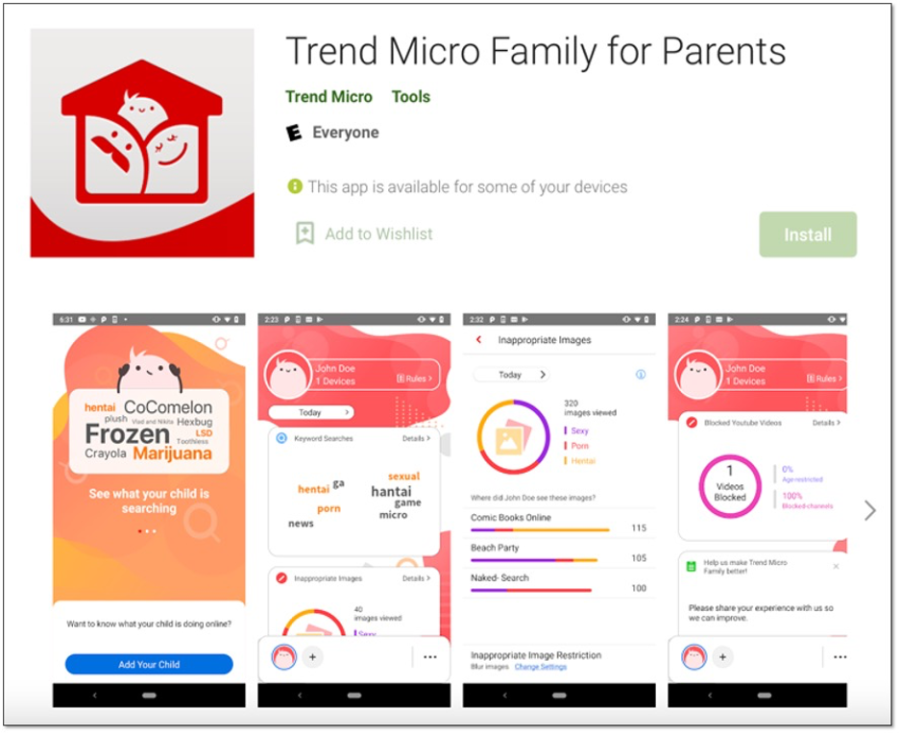
Trend Micro Family for Parents
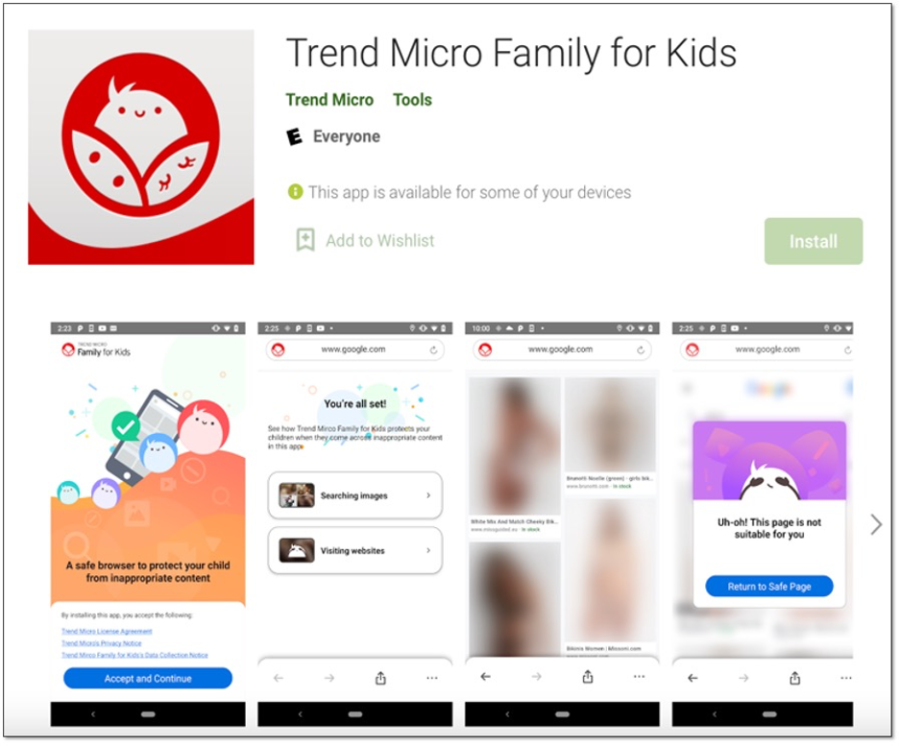
Trend Micro Family for Kids
Its Key Features Include:
- Content Filter: Trend Micro Family provides a safer online environment with its real-time content filtering that blurs out inappropriate graphics & videos on social media and other websites such as YouTube. The real-time AI also prevents access to unsuitable and/or adult sites — while also blocking unwanted ads.
- Social Media Checker: An industry-first, Trend Micro Family recommends the best security and privacy settings for your social media accounts, which ensure children aren’t accidentally or unknowingly exposing themselves to unwanted dangers on social media. Currently supporting Instagram, Snapchat will soon be available too. Additional platforms like TikTok and Facebook are currently in the works.
- Personalized Settings: Families with multiple children can choose settings appropriate for each child.
- Screen Time Summary: Parents can see how their children are interacting with the internet.
- Visibility Reporting: Parents can get a deeper understanding of the interests and worries of their children, with feedback on their online searches.
- Looking Ahead: At the end of this month, the latest update will come into effect, giving parents access to detailed browsing history reports. Alongside that, educational resources for internet safety will be made available.
We hope this article has been a good read, folks. As always, if it’s been of use and/or interest to you, please do SHARE it with family and friends to help keep the online community secure and protected.
Report a Scam!

Have you fallen for a hoax, bought a fake product? Report the site and warn others!
Scam Categories
Help & Info
Top Safety Picks
Your Go-To Tools for Online SafetyDisclaimer: Some of the links here are affiliate links. If you click them and make a purchase, we may earn a commission at no extra cost to you.
- ScamAdviser App - iOS : Your personal scam detector, on the go! Check website safety, report scams, and get instant alerts. Available on iOS
- ScamAdviser App - Android : Your personal scam detector, on the go! Check website safety, report scams, and get instant alerts. Available on Android.
- NordVPN : NordVPN keeps your connection private and secure whether you are at home, traveling, or streaming from another country. It protects your data, blocks unwanted ads and trackers, and helps you access your paid subscriptions anywhere. Try it Today!
- Incogni : Incogni automatically removes your personal data from data brokers that trade in personal information online, helping reduce scam and identity theft risks without the hassle of manual opt-outs. Reclaim your privacy now!
Popular Stories
As the influence of the internet rises, so does the prevalence of online scams. There are fraudsters making all kinds of claims to trap victims online - from fake investment opportunities to online stores - and the internet allows them to operate from any part of the world with anonymity. The ability to spot online scams is an important skill to have as the virtual world is increasingly becoming a part of every facet of our lives. The below tips will help you identify the signs which can indicate that a website could be a scam. Common Sense: Too Good To Be True When looking for goods online, a great deal can be very enticing. A Gucci bag or a new iPhone for half the price? Who wouldn’t want to grab such a deal? Scammers know this too and try to take advantage of the fact. If an online deal looks too good to be true, think twice and double-check things. The easiest way to do this is to simply check out the same product at competing websites (that you trust). If the difference in prices is huge, it might be better to double-check the rest of the website. Check Out the Social Media Links Social media is a core part of ecommerce businesses these days and consumers often expect online shops to have a social media presence. Scammers know this and often insert logos of social media sites on their websites. Scratching beneath the surface often reveals this fu
How do I recover my crypto after it’s stolen? What happens if your crypto wallet is compromised? Can stolen crypto be traced, and can police actually recover crypto in 2026? These are the questions most people ask within minutes of realizing their wallet has been drained. Crypto theft is fast, quiet, and unforgiving. By the time most victims notice something is wrong, the funds are already moving across the blockchain. Once seen as a problem for exchanges and whales, crypto theft now heavily affects everyday investors. Phishing links, fake support chats, wallet approval scams, SIM swaps, and malware attacks have become common. Knowing what recovery realistically looks like—and what it doesn’t—can prevent panic, bad decisions, and costly follow-up scams. In a Nutshell Crypto recovery is possible, but only in limited situations Blockchain transactions are irreversible, but stolen crypto can still be traced Speed and documentation matter more than optimism Police and exchanges play a bigger role than private recovery services Guaranteed recovery offers are almost always scams Is it Actually Possible to Recover Stolen Crypto? Yes, crypto recovery is possible, but only under specific conditions and rarely through direct action by the victim. Blockchain transactions are final by design. Once crypto is sent and confirmed, it cannot be reversed. There is no central authority, no chargeback process, and no technical “undo” button, even if the transaction was clearly fraudulent. This is where many people ask whether stolen crypto can be traced. In most cases, it can. Every transaction